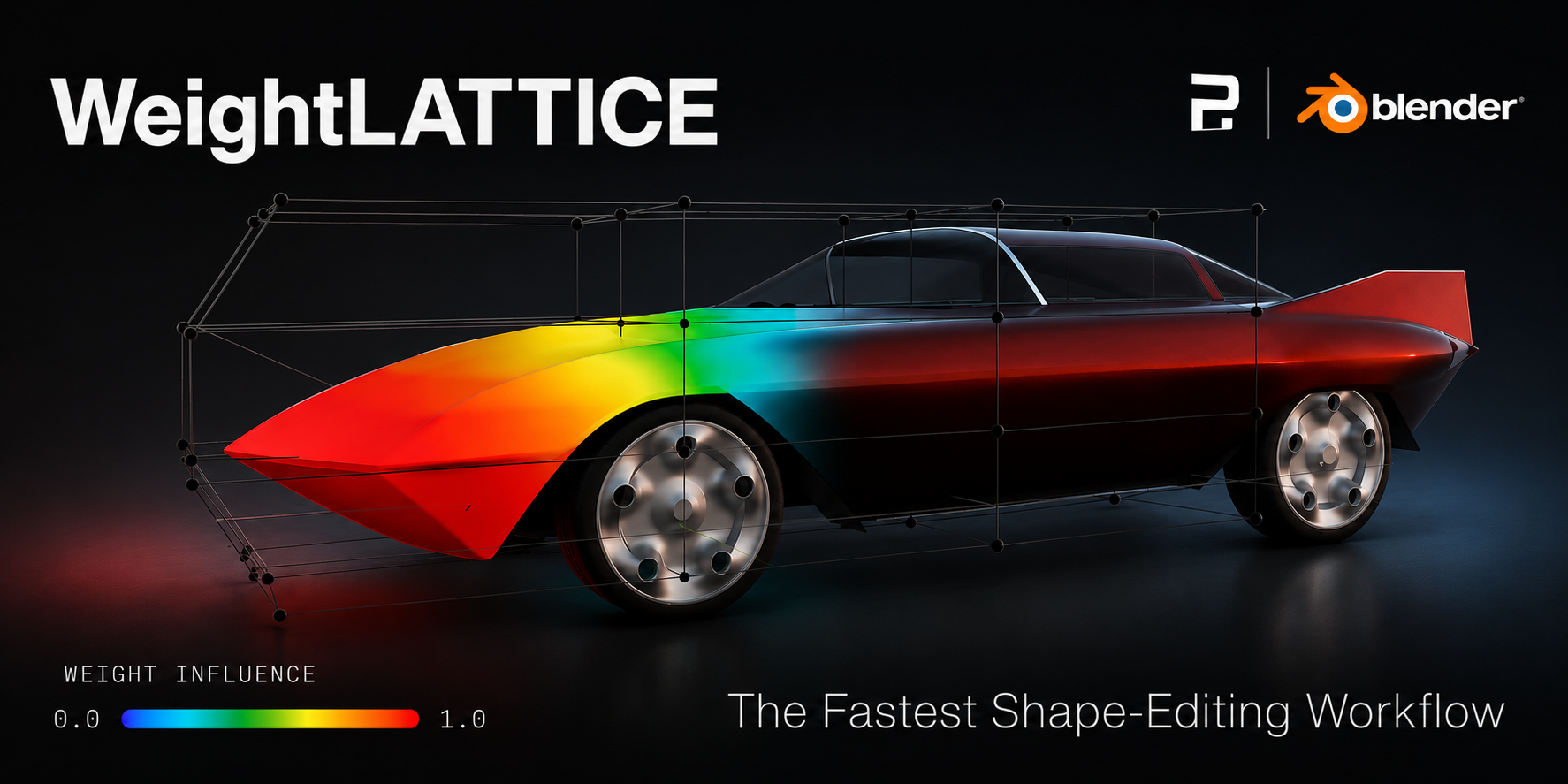
WeightLattice
WeightLattice is a Blender addon that turns painted vertex groups into a lattice-based deformation workflow.
It is designed for artists and technical users who want a fast, controlled way to generate, edit, and finalize deformation cages directly inside Blender.
What WeightLattice does
Creates a lattice from the active vertex group.
Updates the lattice after weight painting changes.
Creates a lattice directly from Edit Mode selection.
Lets you edit the lattice shape and resolution.
Applies or removes the lattice when the workflow is complete.
Provides fast shortcuts for the most common actions.
Main workflow
Create or select a mesh.
Define the vertex group.
Paint the influence area.
Create the lattice.
Refine the cage in Edit Lattice mode.
Apply or remove the result when finished.
Documentation
Contents
- Installation
- Interface
- Workflow
- Shortcuts
- Preferences
- Troubleshooting
- No lattice is created
- The lattice does not update after repainting
- The lattice cannot be applied
- Q does not switch modes
- Alt+F does not fill
- The brush does not activate
- The addon panel does not appear
- The deformation is too weak
- The bounding box is too tight
- The shared cage does not cover every mesh
- Ctrl+Z after Apply takes more than one press
- FAQ
- Can I use an existing vertex group?
- Can I build a lattice from Edit Mode selection?
- Can I share a single cage between multiple meshes?
- How do I fill the whole vertex group at weight 1.0?
- How do I switch between Weight Paint and Edit Lattice?
- Can I go back from lattice editing to weight painting?
- Can I remove the lattice without applying the deformation?
- Can I edit the lattice resolution later?
- Does Apply affect every mesh that uses the shared cage?
- How do I refit the lattice after painting more weight?
- Does moving the Strength slider affect all meshes in a shared cage?
- Why does Ctrl+Z after Apply take more than one press?
- Is the addon intended for technical artists?
- Changelog